

Table of Contents
It’s not uncommon for writers to spend hours, days, and even weeks creating an effective email. Whether it’s the latest edition of a newsletter or a surprise announcement for a new product, crafting a great message takes research, planning, and editing.
But no matter how excellent your email may be, whether a reader engages with it or not comes down to one single factor: the open rate.
A great newsletter no one opens is a wasted effort. A surprise sale customers ignore is a missed opportunity.
This article offers 8 ways to increase your open rates so that every email sent accomplishes its goal.
💡Pro Tip: Open rates are only one way to measure the success of your email campaigns. However, they can have a direct impact on your monetization strategies, such as the amount you're able to charge for sponsorship spots or the conversion rates to premium offerings. By increasing your open rates, other important metrics will follow suit.
#1 Write great subject lines
Subject lines are the first thing readers see when they open their inbox. Because of this, there’s an entire science to generating the most clickable email subject lines.
Here are a few of the most helpful tips you can implement right away:
- Shorter subject lines tend to work best (5 – 10 words)
- Reference your brand directly in the subject line
- Limit the number of emojis and punctuation used
- Include a bit of personality so readers learn to recognize your sends
- Use headline analyzer tools to guide word choice (see our recommendations on this newsletter checklist).
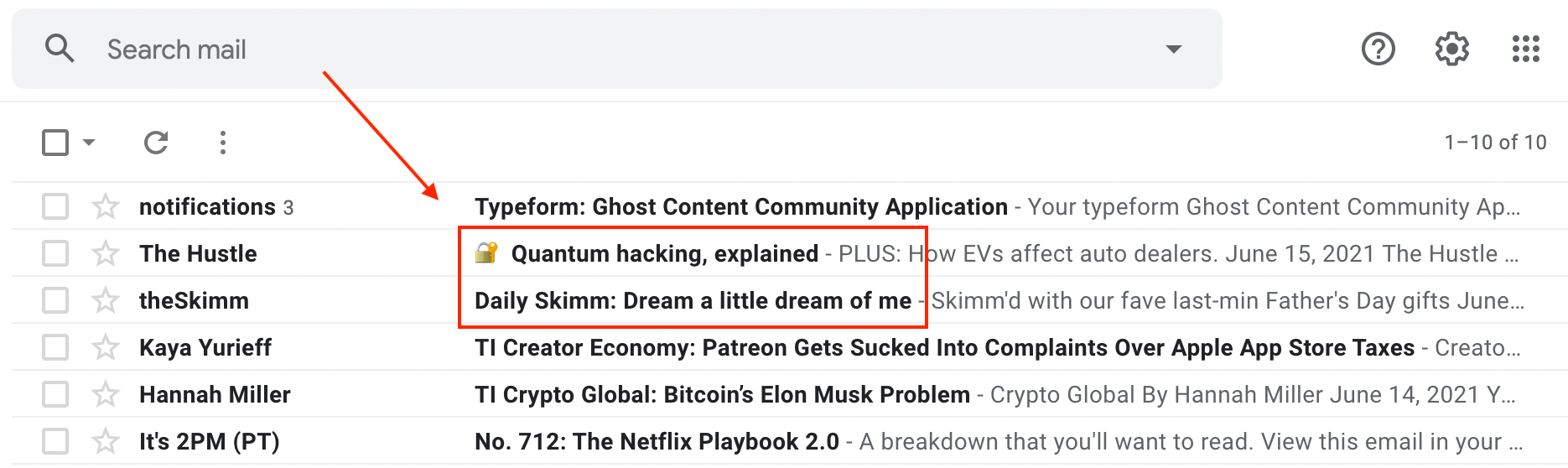
Great subject lines are subjective. Different ones work best for different types of content and audiences.
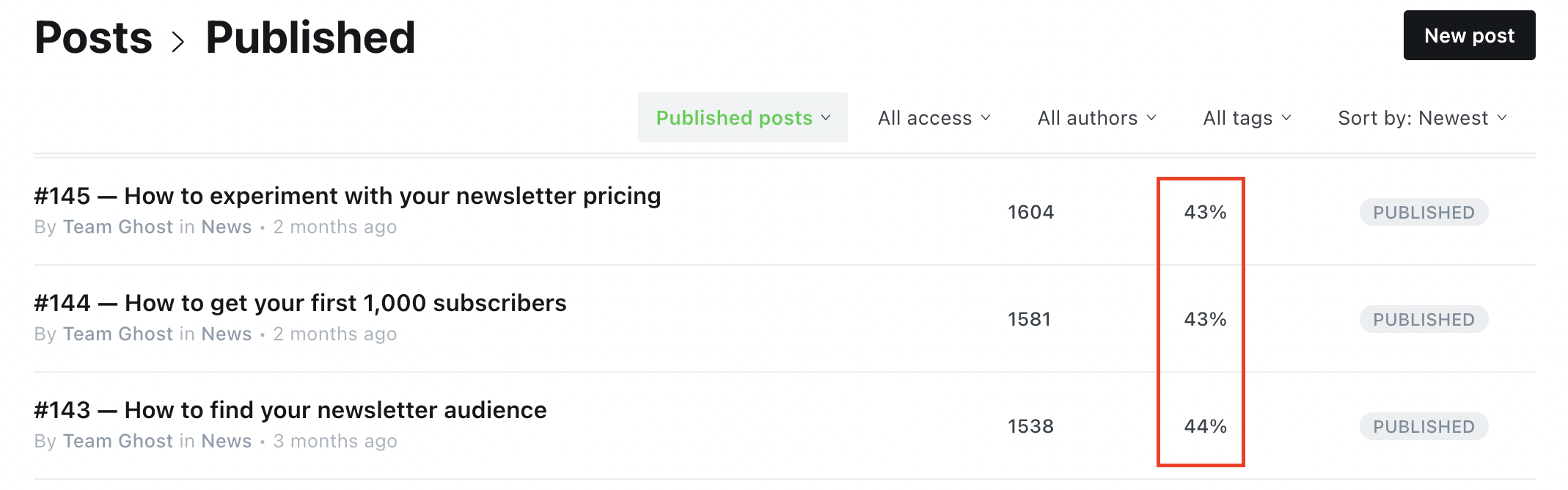
For example, Ghost’s Publisher Weekly newsletter experienced an increase in open rates when the subject lines included “how to” statements. By using this phrasing more frequently, the newsletter now has a consistent open rate of at least 43%.
#2 Create a professional sender name
The next most visible element of your email will be the sender's name. Like subject lines, this element should align with what your audience expects to receive.
Some emails use the company name in the “From” portion, while others choose to put an individual’s name. There are pros and cons to both.
If your communication is more conversational or personalized, consider using an individual's name (like your own). If the message is intended for a professional audience, stick with the company or product's name.
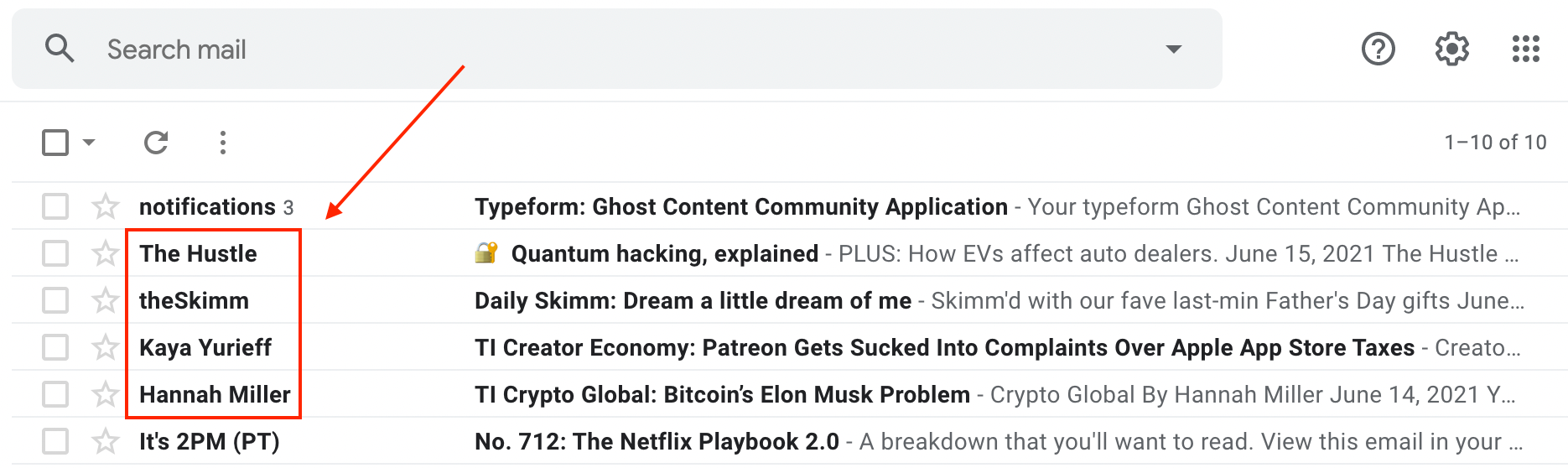
Along with the sender's name, it's important to ensure the email address is also optimized for professional communication.
A custom address linked to your company’s URL (e.g., sarah[at]company.org) will build more trust with your customers than a personal one your audience may not recognize (e.g., cupcake99[at]hotmail.com).
#3 Avoid spam filters
One of the most common hurdles to email deliverability is having your messages accidentally marked as spam by your customers’ inboxes.
By following the first two tips mentioned above (writing good subject lines and using a professional sender name), you'll be ahead of many creators.
Spam filters are usually activated by:
- Strange sender names that use confusing abbreviations or untrustworthy URLs.
- Trigger words such as “free,” “act now,” or “please read.”
- Emails stuffed with too many images or links.
A recommended step is to pass your email through an inspection tool to see what suggestions it has for eliminating potential spam triggers. Mailgenius, Mail Tester, and GlockApps all provide free versions of their deliverability tools to review your content.
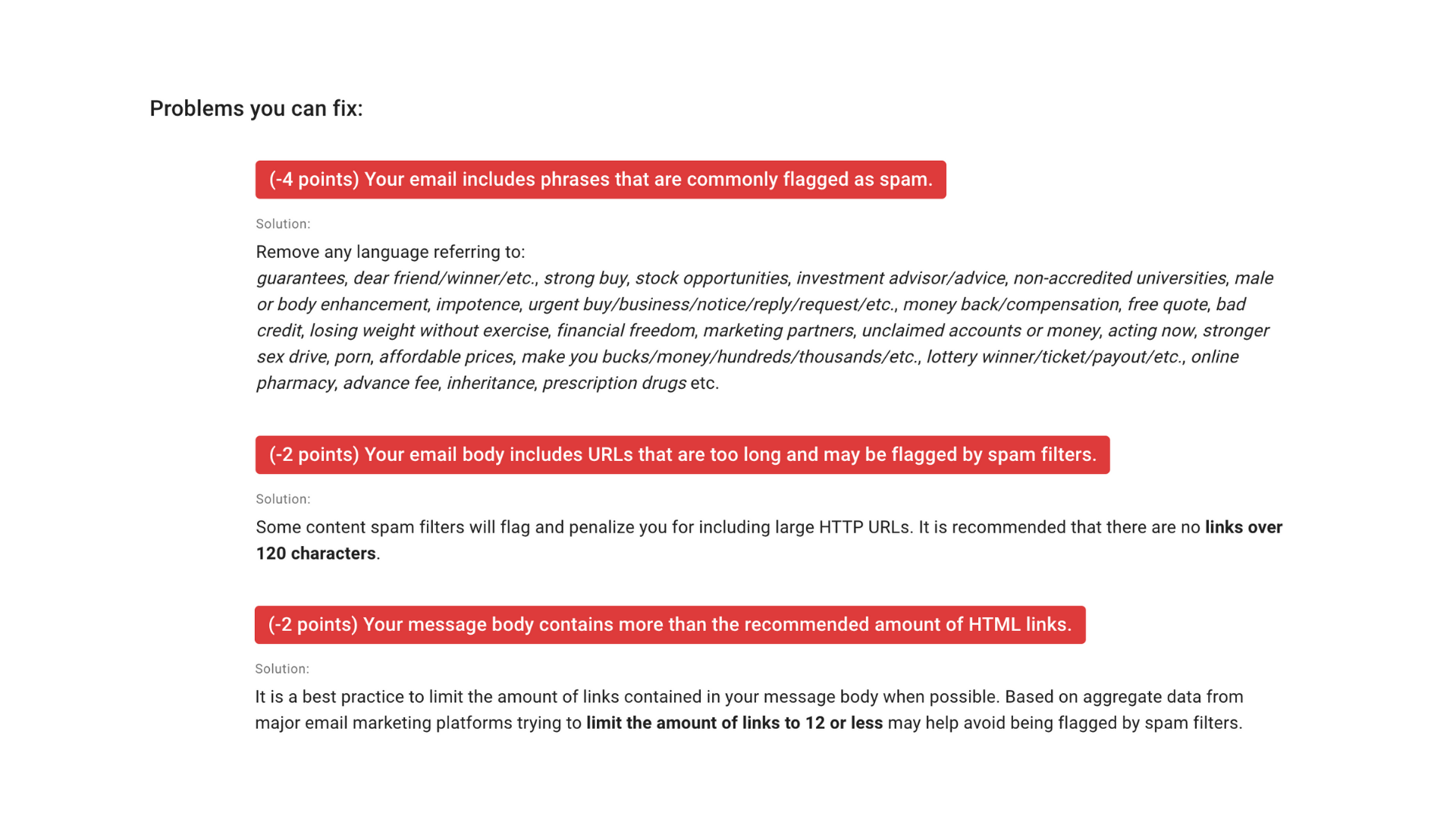
As an example, MailGenius gives Publisher Weekly #154 a score of 88/100. Most of the core elements passed the test such as having a clear subject line, no broken links, and a trusted domain name.
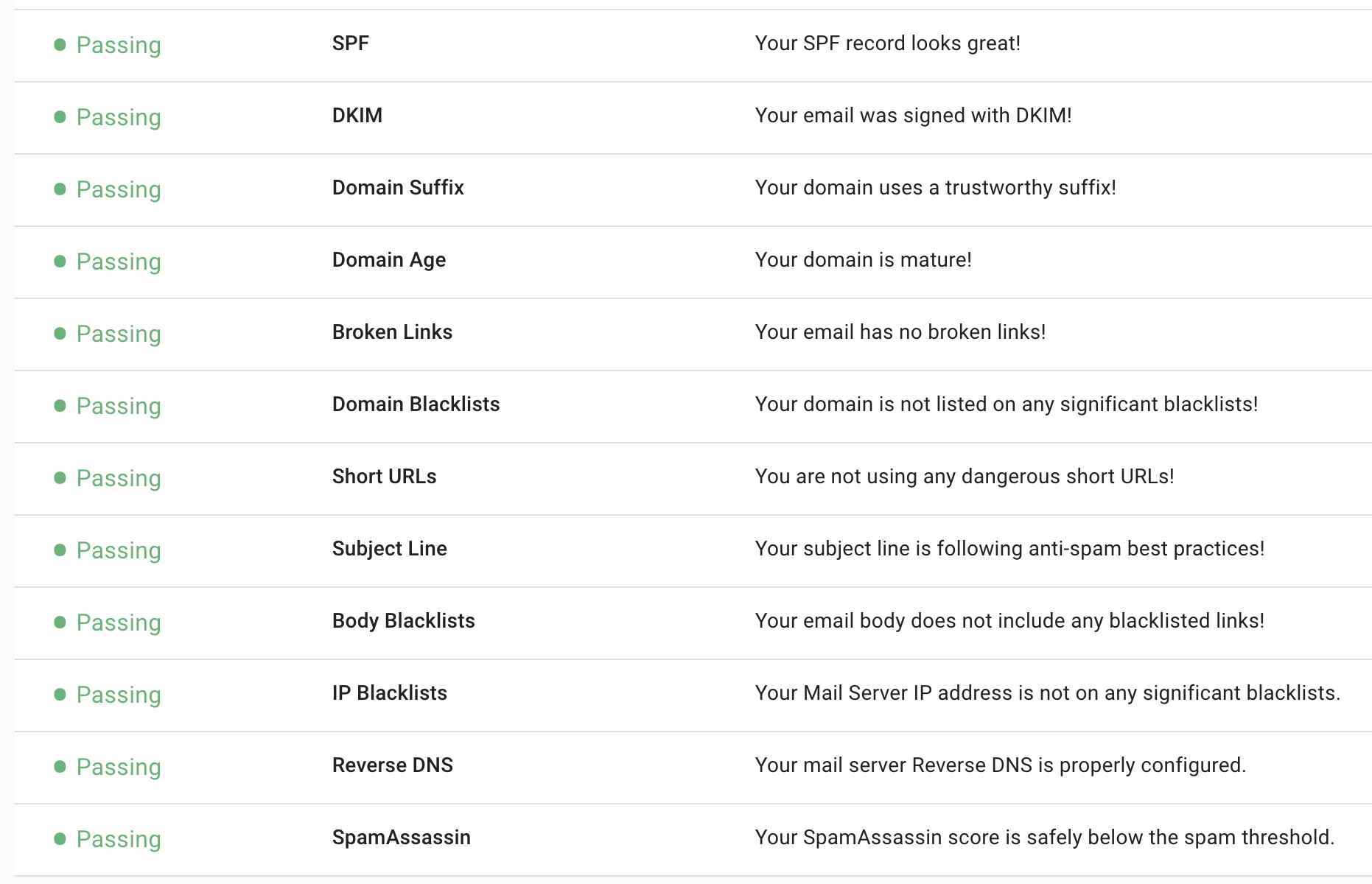
The service did offer three suggestions for improvement: include fewer references to financial terms, shorten hyperlinks to 120 characters or less, and include no more than 12 links per email (which can be difficult for curated publications, like this one).
#4 Send your emails on time
Sending emails at the same time, day after day or week after week will build trust with your audience and consistency in your open rates.
Managing subscriber expectations is one of the least discussed elements when it comes to increasing email open rates, but it can have a dramatic impact when done correctly.
When a new visitor subscribes to your newsletter or email list, tell them when they should expect to hear from you again.
Do you send a new message daily, weekly, or monthly? Is it always on the same day of the week or does it fluctuate? What time should they expect to see it hit their inbox (morning, afternoon, or evening)?
Communicating these details helps customers know what to expect and shows that you, the creator, have also thought through these particulars.